Your devices talk to each other
Stations and listeners connect directly on your home network or over a VPN you run yourself. There is no Nestwatch account and no server in the middle.
Nestwatch turns the phones, tablets and computers you already own into a baby monitor. Sound and video travel directly from one of your devices to another, end-to-end encrypted. There is no account to make and no cloud in between.
Listen in any browser, nothing to install. Apps for Linux, macOS, Windows and Android; iPhone and iPad are coming.
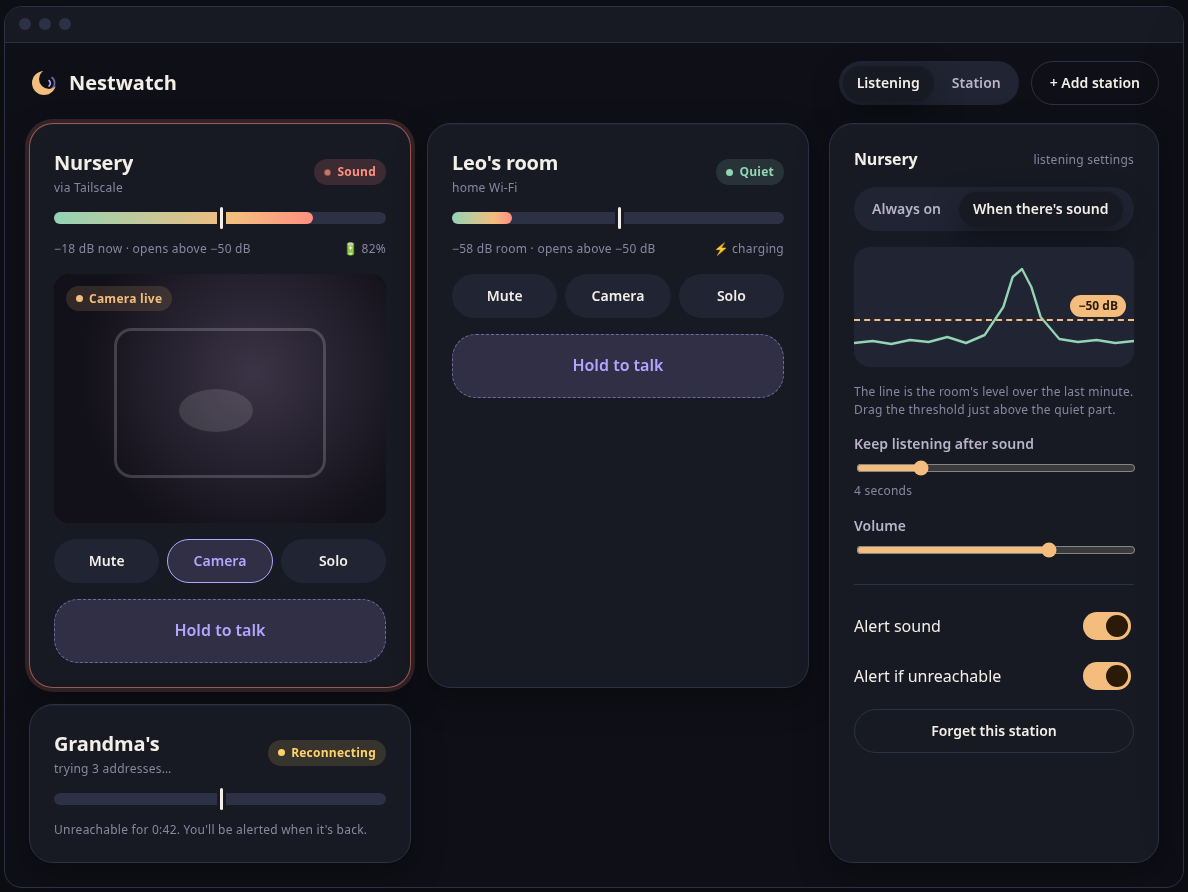
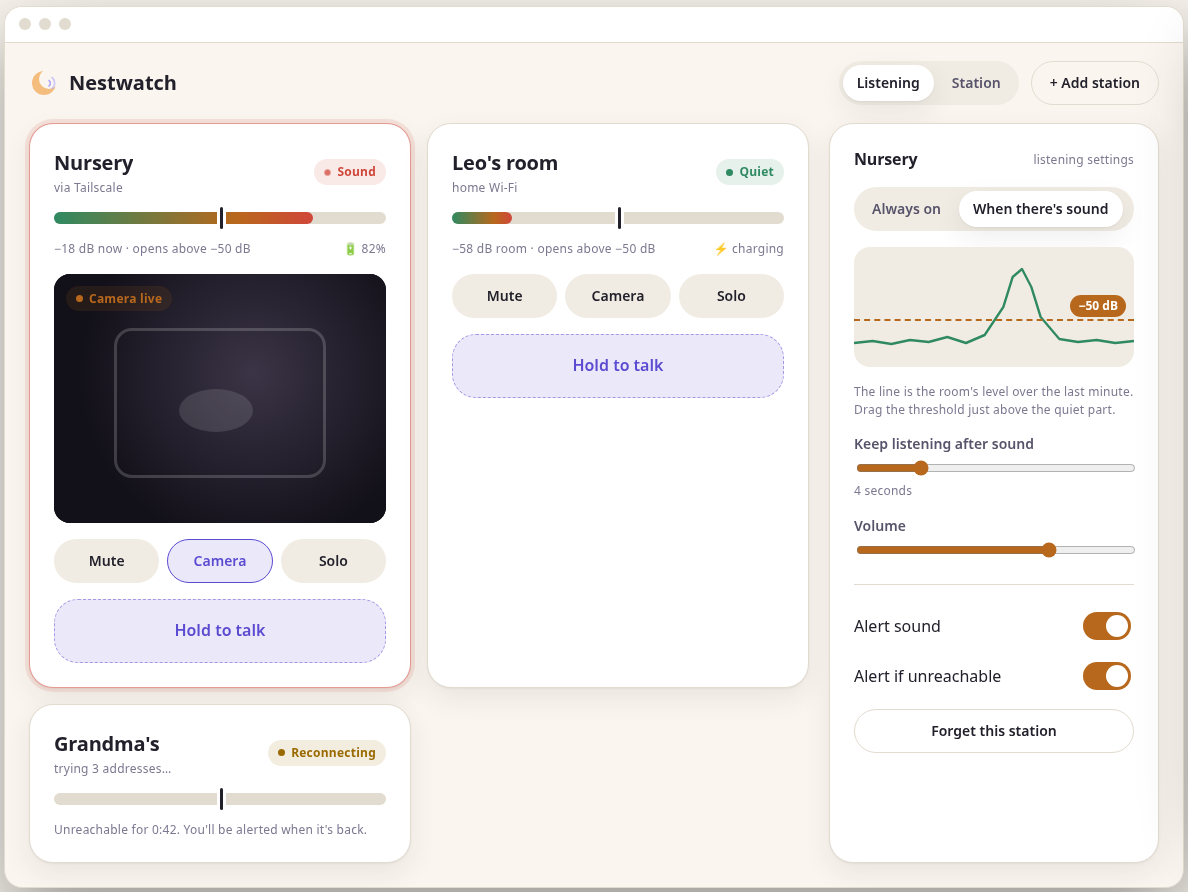
A baby monitor hears and sees the most private room of your home. Nestwatch is built so that what it hears stays between your devices.
Stations and listeners connect directly on your home network or over a VPN you run yourself. There is no Nestwatch account and no server in the middle.
Every connection is encrypted and authenticated with the Noise Protocol Framework. Only devices you paired can hear, see or talk through a station.
No analytics, no crash uploads, no update checks, no recordings. Audio and video are never stored, and logs never contain sound or pictures.
Any phone, tablet or computer can be a station or a listener. The browser can listen.
Put a device near your child and choose This device watches. It listens to the room and shows its sound level in a ring. The screen can be dimmed to near-black while it keeps monitoring.
On the station, tap Pair a listener. Scan the QR code, open the link, or type the 10-character code. When pairing by code, both screens show the same number so you can check nobody is in between. Pairing stays open for at most 10 minutes.
The listener plays the room when there is sound, alerts you, lets you hold to talk, and opens the camera only when you ask. Paired devices reconnect on their own, without a code.
The station sends audio only while the room is louder than the threshold you choose, with a short pre-roll so the start of a cry is never cut off. A chart of the last minute of room level helps you place the threshold just above the background noise. Prefer to hear everything? Switch to always on.
Hold to talk through the station's speaker. One listener talks at a time, and the others see who it is. The station shows when someone is talking.
The camera is off whenever nobody is looking. Open the view from a listener and the station shows a clear indicator while it sends. A night-friendly grey image helps in a dark room. Sound always comes first; video adapts to the connection.
Follow up to 8 stations at once, mixed into one calm view, with volume, mute and solo per station. A station serves up to 8 listeners, so both parents and the grandparents can listen.
Get an alert when a quiet room starts to sound, when a station has been unreachable for more than 20 seconds, and when a station's battery is low. Muting a station never mutes its alerts.
Warm, low-glare colours, a night and a day theme, and a dimmed station screen. Every status has a word next to its colour, never colour alone.
The same screens on every platform, following the Nestwatch design.
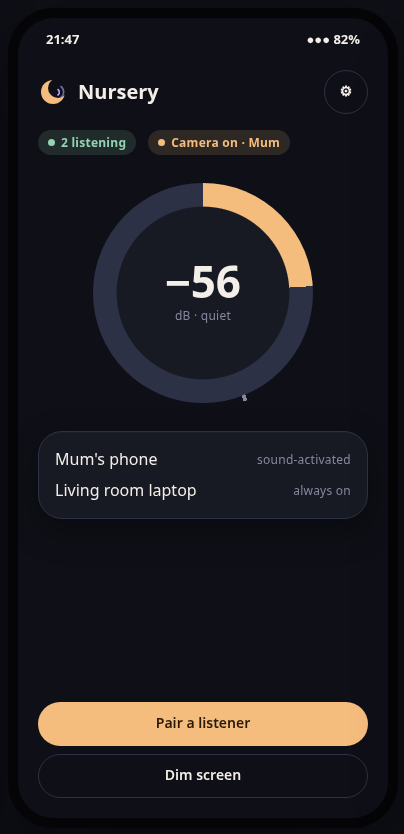
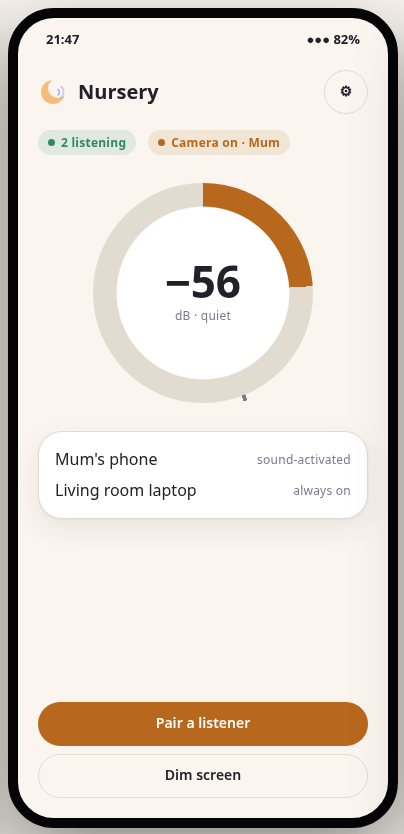
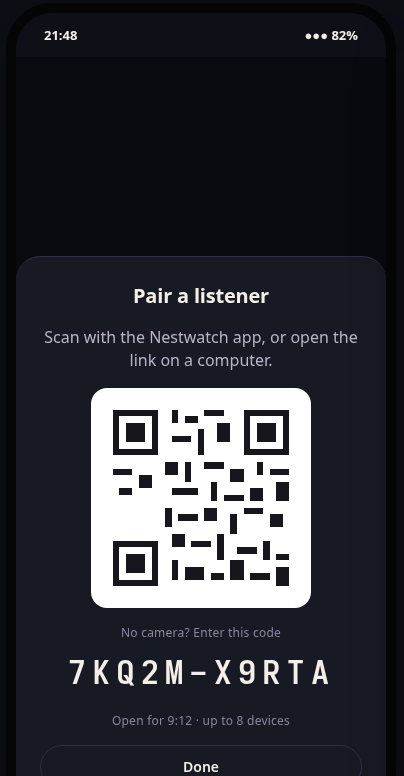
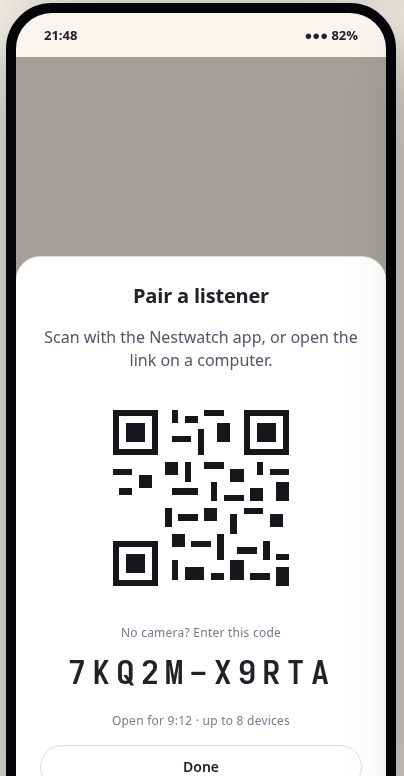
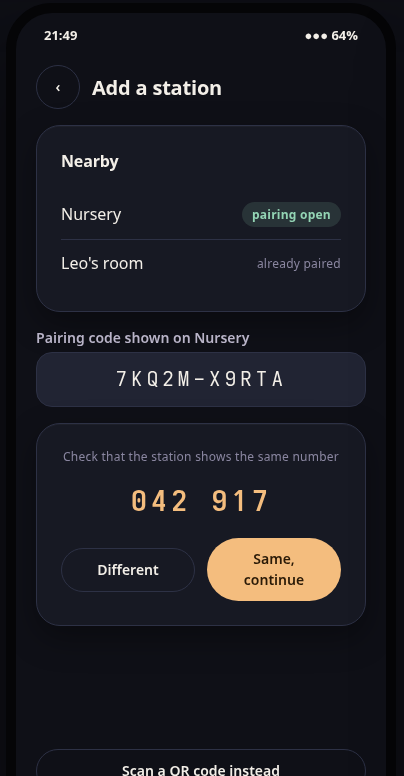
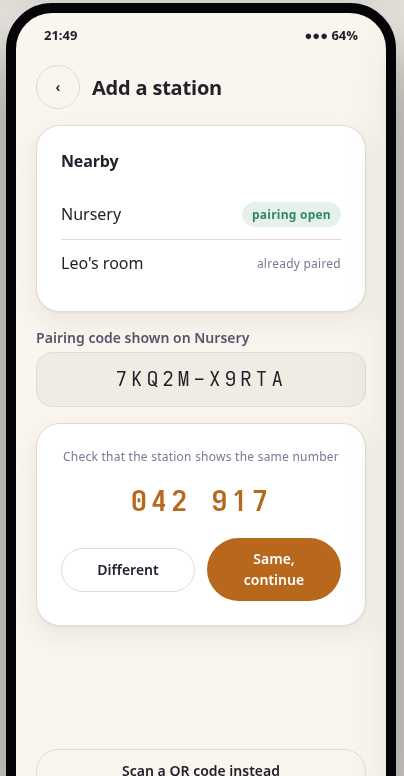
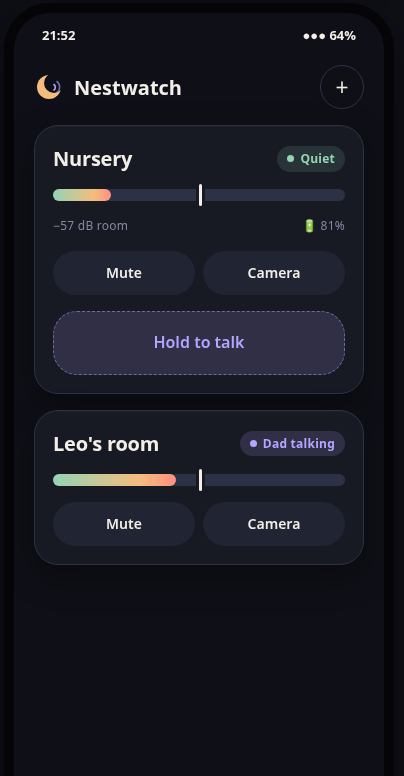
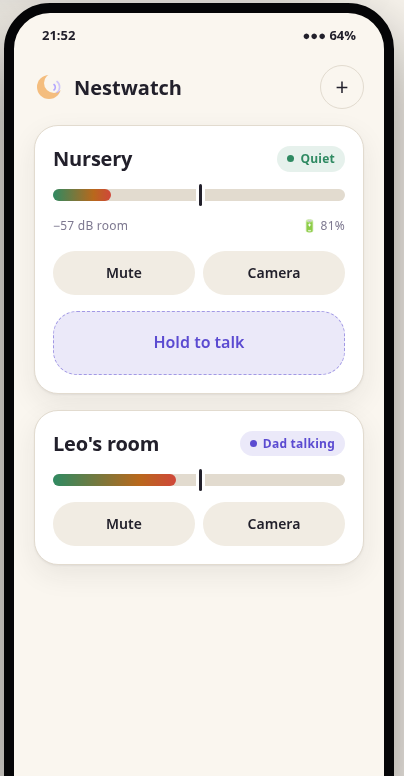
Screens shown are design previews with example names; there are no real camera images on this site.
Listeners find stations on the home network by themselves (mDNS). Each tile shows which path it uses, and listeners reconnect after network changes, trying every address that worked before.
Already use Tailscale or WireGuard? Invitations include the station's VPN addresses and names, and you can type an address by hand. Listen from the grandparents' house without any Nestwatch server.
Some networks block direct connections: mobile data behind carrier-grade NAT, guest Wi-Fi that isolates devices, firewalls that only allow HTTPS. For those, Nestwatch is getting an optional relay server that helps two devices find each other, tries to open a direct path between them and, only when that fails, forwards the encrypted stream. It is off until you turn it on, and you can run your own.

Free and open source. Use an old phone or laptop as the station, and listen on your phone from this website.